
Independent editorial comparison by JPB Software Solutions LLC, based on manufacturers' published specifications. We are not paid by these manufacturers. As an Amazon Associate I earn from qualifying purchases: some "Check price on Amazon" links on this page are affiliate links, and commissions never influence our rankings.

OLED Gaming Monitors · Buying guide · Updated October 2026

Best OLED Gaming Monitors: PG27UCDM vs G81SF vs AW2725DF vs 27GX790A

OLED gaming monitors now split into two clear camps: 4K panels at 240Hz for sharper detail, and QHD panels pushed to 280-480Hz for the fastest possible response in competitive play. This guide lines up four current models side by side using only figures published on each manufacturer's official spec page, with no first-hand testing claims.

Our verdict

Best overall

Alienware AW2725DF

Based on published specifications, the AW2725DF covers the widest range of use cases: 360Hz over DisplayPort for competitive play, dual adaptive-sync certification for both AMD and NVIDIA GPUs, and a fully itemized port list, without the console-refresh compromise LG's single HDMI port carries or the narrower spec disclosure on Samsung's page.

The 30-second answer

Which one should I buy?

  • Best Overall

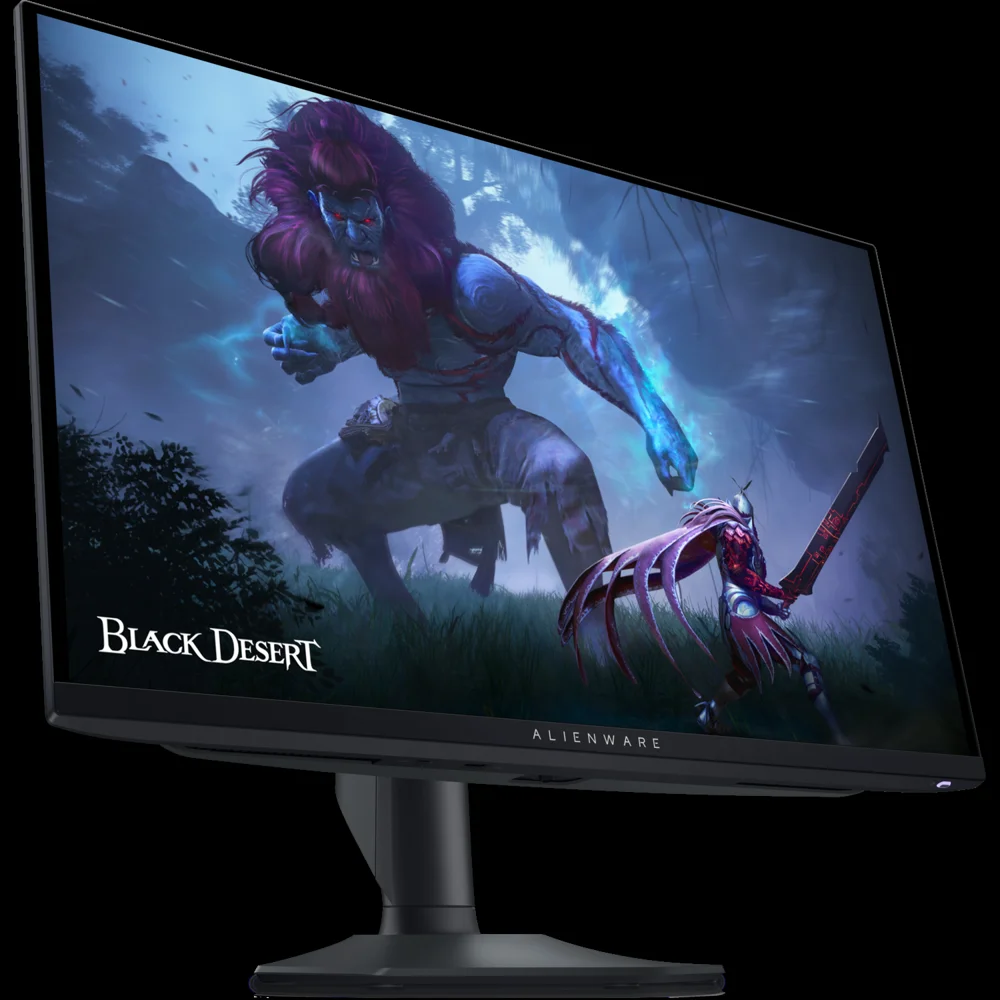
    Alienware AW2725DF QD-OLED gaming monitor

    Alienware AW2725DF

    Choose this if: Choose the AW2725DF for the best balance of refresh rate, GPU compatibility and port flexibility

    • 360Hz over DisplayPort 1.4 with dual FreeSync Premium Pro and G-SYNC Compatible certification
    • Full brightness breakdown published across SDR, HDR True Black 400 and HDR peak modes
    • Dual DisplayPort inputs plus HDMI 2.1 give the most flexible source switching here
    Check price on Amazon
  • Best for Competitive Play

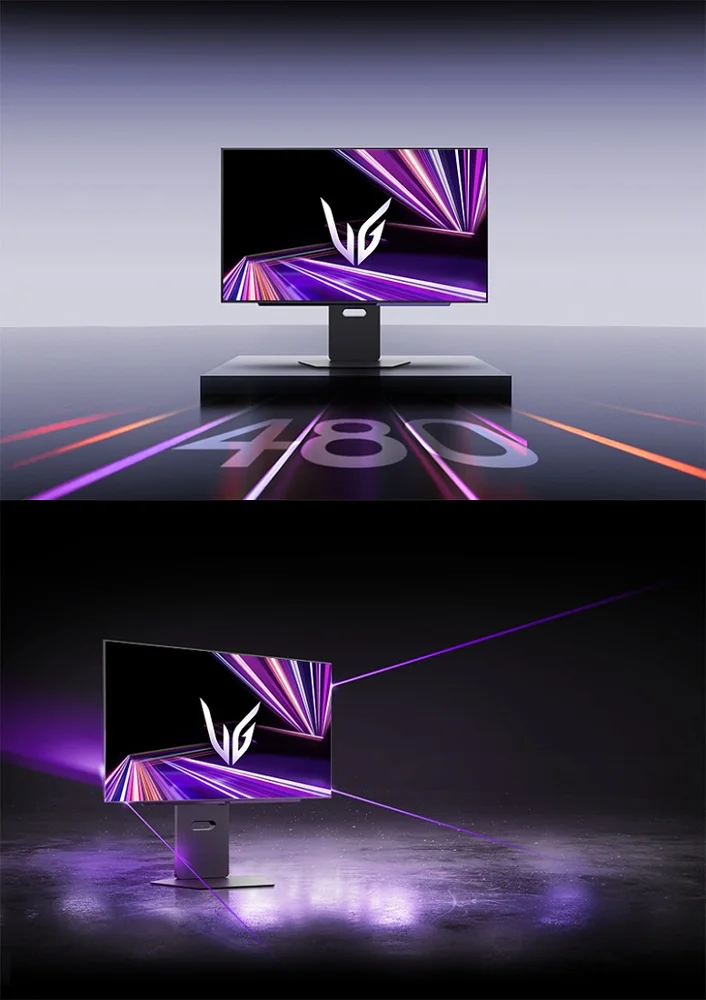
    LG UltraGear 27GX790A OLED gaming monitor

    LG UltraGear 27GX790A

    Choose this if: Choose the 27GX790A if raw refresh rate is the priority

    • 480Hz is the highest refresh rate published among these four monitors
    • DisplayPort 2.1 is built in to carry the bandwidth that 480Hz requires
    • LG cites its highest VESA ClearMR tier for motion clarity at this refresh rate
    Check price on Amazon
  • Best for Console

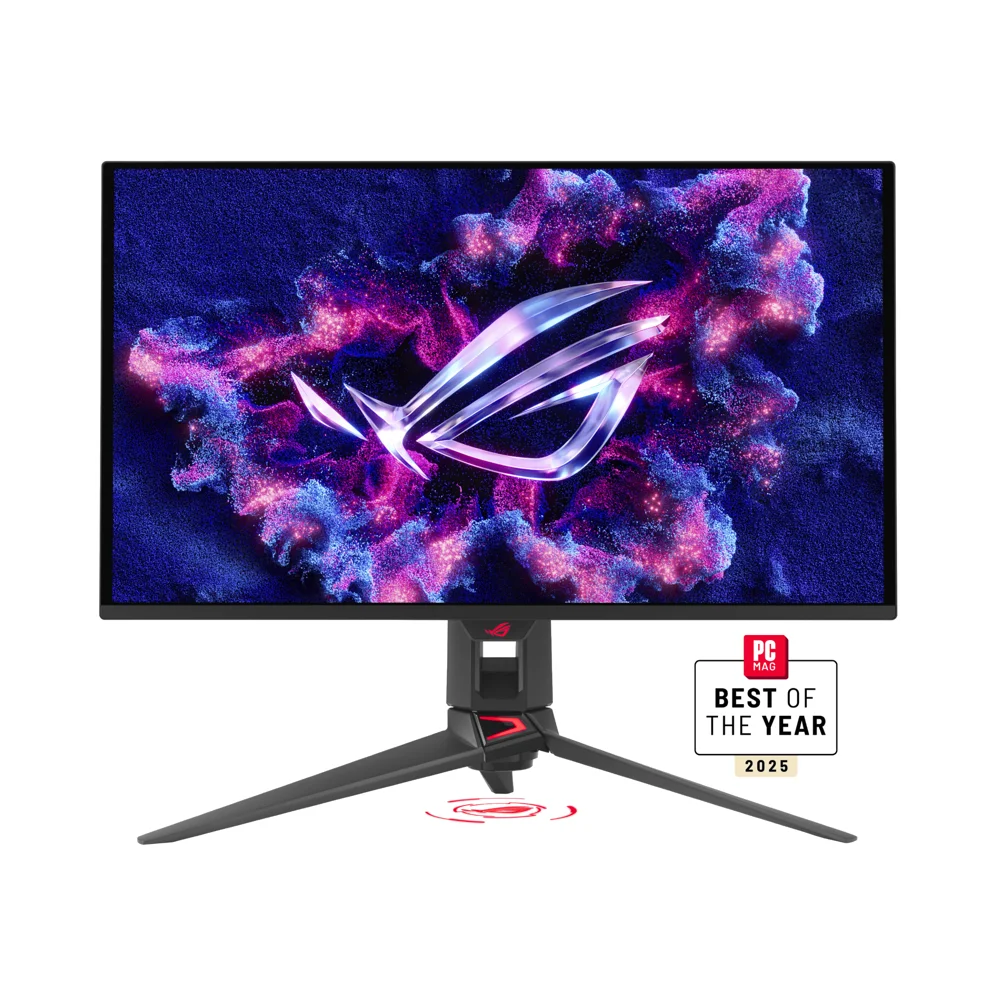
    ASUS ROG Swift OLED PG27UCDM gaming monitor

    ASUS ROG Swift OLED PG27UCDM

    Choose this if: Choose the PG27UCDM for 4K console gaming with HDMI 2.1 bandwidth to spare

    • Dual HDMI 2.1 (FRL) inputs support current-generation console 4K output
    • 3840x2160 resolution matches console-native 4K rendering
    • 1,000 cd/m2 peak HDR brightness for HDR10 and Dolby Vision content
    Check price on Amazon
  • Best for Mixed Productivity

    ASUS ROG Swift OLED PG27UCDM gaming monitor

    ASUS ROG Swift OLED PG27UCDM

    Choose this if: Choose the PG27UCDM if you also use the monitor for desktop work and content

    • 4K resolution gives more desktop real estate and sharper text than QHD panels
    • Built-in KVM switch lets you share one keyboard/mouse between a work PC and a gaming PC
    • 90W USB-C Power Delivery can charge a connected laptop over a single cable
    Check price on Amazon

The trade-off in one sentence

PG27UCDM
The sharpest resolution here, but its 240Hz ceiling is far below the QHD panels' 280-480Hz figures.
G81SF
Strong anti-burn-in and anti-glare features, but Samsung's US page does not itemize a full HDMI/DisplayPort port list the way ASUS, Dell and LG do.
AW2725DF
The 360Hz ceiling only applies over DisplayPort; its single HDMI 2.1 port is capped at 144Hz.
27GX790A
The highest refresh rate here, but reaching the full 480Hz requires a DisplayPort 2.1-capable GPU and a recent driver.

Side by side

Compare the specs

All figures below come from each manufacturer's official product or spec page. Where a figure was not published for a given model, it is marked Not listed rather than estimated.

OLED Gaming Monitors specifications with category winners
SpecASUS ROG Swift OLED PG27UCDMSamsung Odyssey OLED G8 (G81SF)Alienware AW2725DFLG UltraGear 27GX790A
Panel typeTandem QD-OLED, 26.5 in viewableQD-OLED, 27 in, 166 PPIQD-OLED, 26.7 in viewableWOLED, 26.5 in
Resolution3840 x 2160 (4K UHD)3840 x 2160 (4K UHD)2560 x 1440 (QHD)2560 x 1440 (QHD)
Max refresh rate240Hz max240Hz max360Hz max via DisplayPort; 144Hz max via HDMI Winner480Hz max, the fastest QHD OLED LG has published for this generation
Response time0.03ms (GTG)0.03ms (GTG)0.03ms (GTG)0.03ms (GTG)
HDR certificationHDR10, Dolby Vision; VESA DisplayHDR True Black 400VESA DisplayHDR True Black 400VESA DisplayHDR True Black 400HDR10; VESA DisplayHDR True Black 400
Brightness1,000 cd/m2 peak (HDR)Not listed as a single peak figure on US product page250 cd/m2 (SDR), 400 cd/m2 (HDR True Black 400), 1,000 cd/m2 (HDR peak)275 cd/m2 typical (Reader Mode); up to 1,300 cd/m2 (Black Stabilizer) and 1,040 cd/m2 (HDR, 1.5% APL per LG's spec sheet)
HDMIHDMI 2.1 x2 (FRL)Not fully itemized on consumer product page; manufacturer cites HDMI connectivityHDMI 2.1 x1 (HDCP 1.4 & 2.3, up to 1440p144 TMDS, HDR, VRR)HDMI 2.1 (per LG, supports up to console/next-gen GPU connectivity)
DisplayPortDisplayPort 2.1 x1Not fully itemized on consumer product pageDisplayPort 1.4 x2 (HDCP 1.4 & 2.3, up to 1440p360, HDR, VRR)DisplayPort 2.1 x1, required to reach the full 480Hz refresh
USB-C / KVM WinnerUSB-C x1 (DP Alt Mode, 90W Power Delivery), KVM switch supportedNot listedUSB-C downstream (data only, no DP Alt Mode listed); USB 3.2 Gen 1 Type-B upstream hubNot listed
Adaptive sync (VRR)FreeSync Premium Pro and G-SYNC CompatibleAMD FreeSync Premium ProAMD FreeSync Premium Pro, NVIDIA G-SYNC Compatible, VESA AdaptiveSync certifiedNVIDIA G-SYNC Compatible, AMD FreeSync Premium Pro, VESA AdaptiveSync
Burn-in protection / warrantyNot listed on US spec page WinnerSamsung OLED Safeguard+ with Dynamic Cooling System and Thermal Modulation to help prevent burn-inNot listed as a separate burn-in warranty term on the public spec sheetNot listed on the US product page
ShopCheck priceCheck priceCheck priceCheck price

Swipe sideways to see all four models →

“Not listed” means we couldn't confirm the figure on the manufacturer's official pages.

Still unsure?

Not sure which one to buy?

  1. 1

    Do you want 4K resolution for both gaming and desktop work?

    Yes ASUS ROG Swift OLED PG27UCDM

    No

  2. 2

    Is the single highest refresh rate your top priority, and does your GPU support DisplayPort 2.1?

    Yes LG UltraGear 27GX790A

    No

  3. 3

    Do you want the widest GPU adaptive-sync compatibility with a fully itemized port list?

    Yes Alienware AW2725DF

    No

  4. 4

    Do you want 4K resolution plus a named anti-burn-in cooling system?

    Yes Samsung Odyssey OLED G8 (G81SF)

    No

  5. Then get our overall pick

    Alienware AW2725DF

    Check price on Amazon

In depth

Each model, honestly

Alienware AW2725DF QD-OLED gaming monitor

Alienware (Dell)

Alienware AW2725DF

Our pick

Why it's here

The AW2725DF trades 4K resolution for QHD at up to 360Hz over DisplayPort, with dual DP 1.4 inputs and both FreeSync Premium Pro and G-SYNC Compatible certification, giving it the widest adaptive-sync GPU compatibility published in this group.

Key advantages

  • 360Hz max refresh over DisplayPort 1.4, among the highest here
  • Dual-certified for both FreeSync Premium Pro and G-SYNC Compatible
  • Full brightness breakdown published: SDR, HDR True Black 400, and HDR peak
  • Dual DisplayPort 1.4 inputs plus HDMI 2.1

What you give up

  • Single HDMI 2.1 port is limited to 144Hz, not the full panel refresh rate
  • QHD resolution rather than 4K
  • No DP Alt Mode USB-C video input listed

Best for: Competitive players who want the highest refresh rate at QHD

ASUS ROG Swift OLED PG27UCDM gaming monitor

ASUS

ASUS ROG Swift OLED PG27UCDM

Why it's here

The PG27UCDM is the only 4K panel in this group, pairing Tandem QD-OLED's claimed 1,000 cd/m2 peak brightness with DisplayPort 2.1 and dual HDMI 2.1 inputs, plus a built-in KVM switch for running two source devices from one keyboard and mouse.

Key advantages

  • Only true 4K (3840x2160) panel in this comparison
  • 1,000 cd/m2 peak HDR brightness, the highest stated figure here
  • DisplayPort 2.1 plus dual HDMI 2.1 inputs with FRL
  • Built-in KVM switch and 90W USB-C Power Delivery

What you give up

  • 240Hz max refresh, the lowest ceiling of the four
  • Tandem QD-OLED panel at 4K needs a powerful GPU to hit max refresh
  • Burn-in warranty length not listed on the US spec page

Best for: Buyers who want the sharpest image at a 4K desktop resolution

Samsung Odyssey OLED G8 G81SF gaming monitor

Samsung

Samsung Odyssey OLED G8 (G81SF)

Why it's here

The G81SF matches the PG27UCDM's 4K resolution and 240Hz refresh rate, but leads on burn-in prevention: Samsung publishes a named Safeguard+ system combining a pulsating heat-pipe Dynamic Cooling System, Thermal Modulation, and logo/taskbar dimming, plus Glare Free anti-reflective coating verified by UL.

Key advantages

  • 4K QD-OLED at 166 PPI, same resolution class as the PG27UCDM
  • Named Safeguard+ cooling system targeting burn-in prevention
  • Glare Free coating independently verified by UL
  • 240Hz refresh with 0.03ms GTG response

What you give up

  • Full port list (HDMI/DP versions, USB-C) not itemized on the consumer spec page
  • No stated KVM switch feature
  • Peak brightness not published as a single cd/m2 figure on the US page

Best for: Buyers who want 4K detail with Samsung's dedicated anti-burn-in cooling system

LG UltraGear 27GX790A OLED gaming monitor

LG

LG UltraGear 27GX790A

Why it's here

LG markets the 27GX790A as the fastest QHD OLED monitor it has released, reaching 480Hz over DisplayPort 2.1, a figure none of the other three monitors here match, alongside VESA's highest ClearMR tier for motion clarity.

Key advantages

  • 480Hz refresh rate, the highest published figure in this comparison
  • DisplayPort 2.1 standard, built for next-gen GPU bandwidth
  • Highest VESA ClearMR tier cited by LG for motion clarity
  • Compact 26.5 in panel with 4-side virtually borderless design

What you give up

  • QHD resolution, not 4K
  • Reaching 480Hz needs a DisplayPort 2.1 GPU and updated drivers (LG notes a required NVIDIA hotfix driver)
  • USB-C video input and burn-in warranty terms not listed on the US page

Best for: Competitive players who want the single highest refresh rate available on an OLED panel

Practical context

PC vs console vs productivity: matching the panel to how you'll use it

Competitive PC gamers chasing the highest frame rates in fast-paced shooters benefit most from the QHD panels here, since both the AW2725DF and 27GX790A push well past 240Hz when paired with a GPU and cable that can feed them that bandwidth. The AW2725DF needs DisplayPort 1.4 to hit its 360Hz ceiling, while the 27GX790A requires DisplayPort 2.1 and, per LG, a recent NVIDIA driver to avoid blackouts on RTX 50-series cards.

Console gaming and mixed productivity use cases lean the other way. Current-generation consoles output up to 4K at up to 120Hz over HDMI 2.1, so a 4K panel like the PG27UCDM or G81SF makes full use of that signal, while a QHD-only panel would either downscale or upscale the console's native 4K output. For desktop work, the extra vertical and horizontal pixels of a 4K panel also make small text and spreadsheet columns easier to read, and ASUS's built-in KVM switch and USB-C Power Delivery make the PG27UCDM easier to share between a work laptop and a gaming PC.

  • Competitive PC gaming

    Prioritize refresh rate and confirm your GPU and cable support the DisplayPort version each panel needs to hit its advertised maximum Hz.

  • Console gaming

    Confirm the monitor's HDMI 2.1 bandwidth; some single-HDMI-port designs cap below the panel's full refresh rate when a console is connected instead of a PC over DisplayPort.

  • Mixed productivity

    A 4K panel with a KVM switch and USB-C Power Delivery, like the PG27UCDM, reduces cable clutter when switching between a work machine and a gaming PC.

Practical context

Understanding OLED burn-in protection

All OLED panels, including every monitor in this comparison, are subject to the same underlying risk: organic pixels that display the same static content (a taskbar, a HUD element, a channel logo) for extended periods can wear unevenly over time, a phenomenon generally called burn-in or image retention. Manufacturers mitigate this with a mix of hardware and software: pixel-shifting routines that nudge the image slightly, logo and taskbar dimming that detects static elements, and cooling systems that keep the panel running at lower temperatures, since heat accelerates organic-material degradation.

Samsung is the most explicit about this on its G81SF product page, naming its combination of features 'Safeguard+' and specifically citing a pulsating heat-pipe Dynamic Cooling System, Thermal Modulation, and Logo and Taskbar Detection. ASUS brands its equivalent feature set 'ASUS OLED Care' on the PG27UCDM spec sheet. Neither Dell's AW2725DF nor LG's 27GX790A spec sheets reviewed here publish a named burn-in mitigation system or a separate burn-in warranty term, though both include standard pixel-care routines common to OLED monitors; buyers who display static content for long stretches (a code editor, a stock ticker, a game HUD) should weigh this published difference alongside refresh rate and resolution.

  • Pixel shifting and screen savers

    Enable the monitor's built-in pixel-shift or screen-saver feature if you leave static content, like a taskbar or HUD, on screen for long periods.

  • Named protection systems

    Samsung's Safeguard+ and ASUS's OLED Care are the two explicitly named anti-burn-in systems published among these four models.

  • Unlisted terms are not confirmed

    Where a manufacturer does not publish a specific burn-in warranty term, treat it as unverified rather than assuming none exists.

Before you buy

Buying guide

Resolution vs refresh rate
4K panels (PG27UCDM, G81SF) deliver sharper detail and more desktop space but cap out at 240Hz; QHD panels (AW2725DF, 27GX790A) trade resolution for refresh rates up to 360-480Hz. Neither is objectively better: the right choice depends on whether your GPU can drive native 4K at high frame rates, or whether you'd rather run QHD and chase the highest possible refresh.
Check the port, not just the panel
A monitor's advertised maximum refresh rate often only applies over one specific connection, typically DisplayPort. Confirm which port and cable version your source device supports before assuming you'll see the panel's full advertised Hz, especially with the AW2725DF's HDMI-capped 144Hz and the 27GX790A's DisplayPort 2.1 requirement.
VRR certification affects GPU pairing
FreeSync Premium Pro favors AMD GPUs, while G-SYNC Compatible favors NVIDIA GPUs; the AW2725DF and 27GX790A publish both certifications, giving more flexibility if you might switch GPU brands later.

FAQ

Common questions

Which of these monitors is 4K?

The ASUS PG27UCDM and Samsung G81SF are both 3840x2160 (4K UHD). The Alienware AW2725DF and LG 27GX790A are both 2560x1440 (QHD).

Which monitor has the highest refresh rate?

The LG 27GX790A publishes the highest figure, 480Hz, reachable over DisplayPort 2.1. The Alienware AW2725DF reaches 360Hz over DisplayPort 1.4.

Do any of these have a USB-C video input or KVM switch?

Only the ASUS PG27UCDM publishes a USB-C DP Alt Mode input, 90W Power Delivery, and a built-in KVM switch among the four models compared here.

Which one is best for a current-generation console?

The PG27UCDM's dual HDMI 2.1 (FRL) inputs and native 4K resolution align with current-generation console output. The Samsung G81SF is also 4K and 240Hz, though its US product page does not itemize a full HDMI/DisplayPort port list.

What is OLED burn-in and does it apply to these monitors?

Burn-in is uneven wear from displaying static content for long periods, and it can affect any OLED panel, including all four here. Samsung and ASUS publish named mitigation systems (Safeguard+ and OLED Care, respectively); Dell and LG's reviewed spec sheets do not name an equivalent system.

How we compared

This guide is based on our comparison of manufacturer specifications and published product information, not on hands-on lab testing. Recommendations reflect specifications, trade-offs and buyer fit only — commissions and other commercial factors never influence rankings. Prices change, so we don't list them; check the retailer for the current price.

Explore all product comparisons